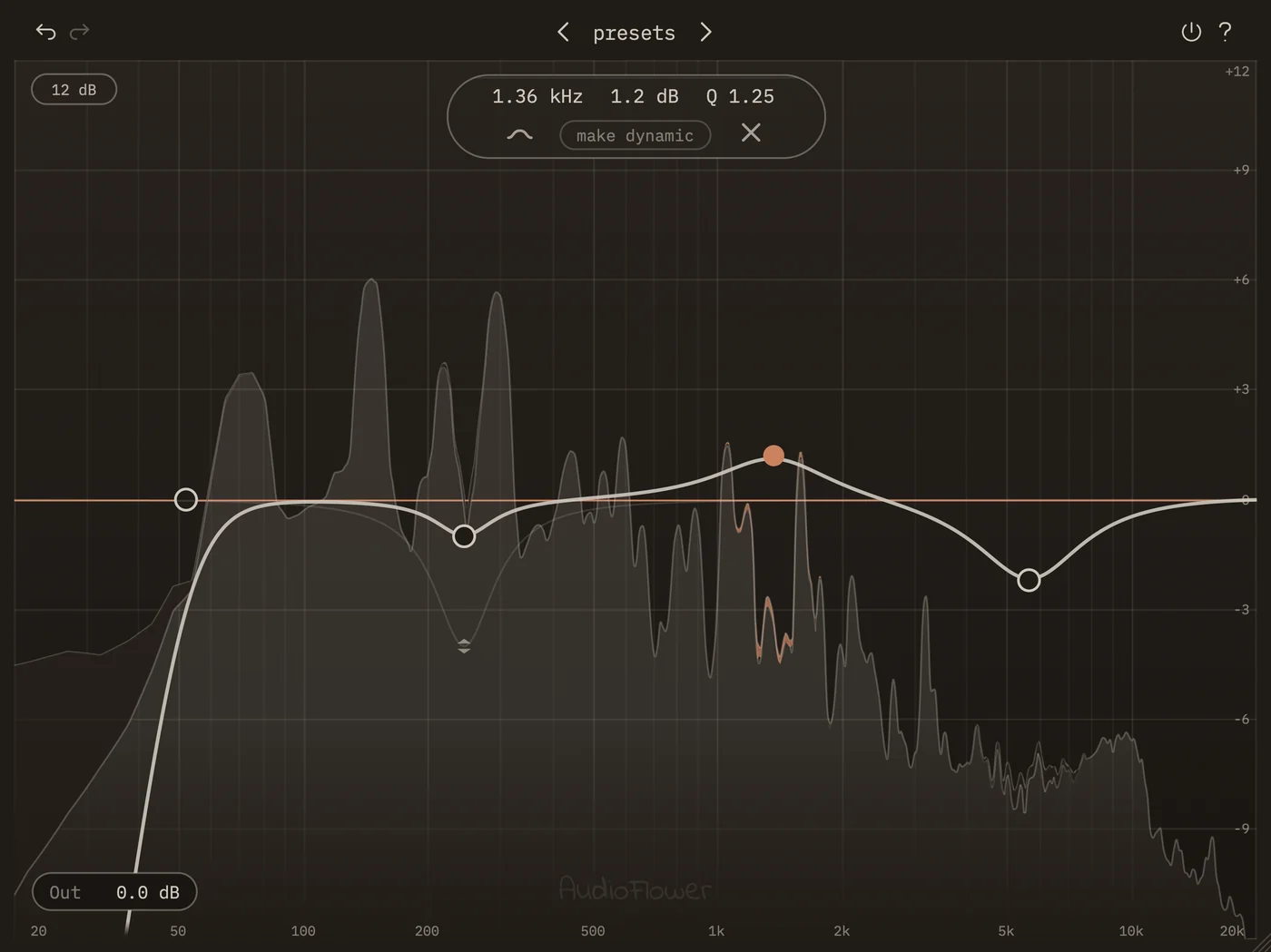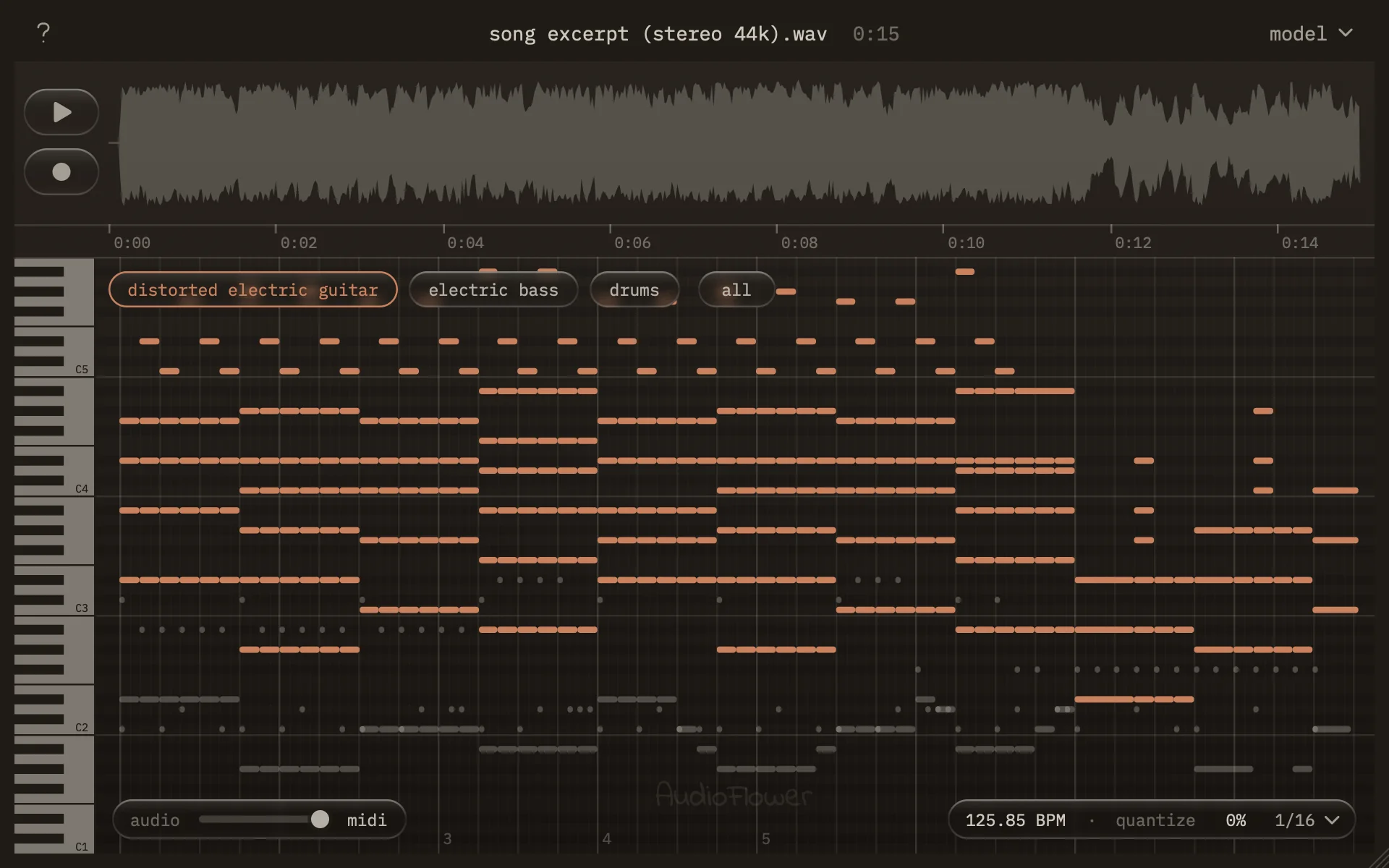
Parametric equalizer
turn the sound on and drag a band
Specifications
| Bands | 6 — bell, low shelf, high shelf, high-pass, low-pass, notch |
|---|---|
| Slope | 12 / 24 / 36 / 48 dB per octave on pass filters |
| Gain | ±18 dB per band |
| Q | 0.1 – 10 |
| Dynamics | Per band, compression or expansion, ±18 dB, automatic threshold |
| Analysis | Live pre and post spectrum; the post curve reveals only where a band is working |
| Presets | Four embedded factory presets, plus your own |
| Formats | Audio Unit, VST3 — macOS 11 or later, Apple Silicon and Intel |
| Not included | No Windows build, no AAX, no linear phase, no mid/side |
Installing
Signed and notarized by Apple, so it installs without a warning. Choose Audio Unit, VST3, or both.
Four steps, no account
Open EQ-1.0.0.pkg and follow the installer. It's signed and notarized with Apple, so it opens without a warning. Deselect either format if you only want one.
The plugins install to your system plugin folders. Audio Unit to /Library/Audio/Plug-Ins/Components, VST3 to /Library/Audio/Plug-Ins/VST3 — the standard locations every macOS DAW already scans.
Restart your DAW, or run its plugin scan. Most hosts only look for new plugins when they start, so a restart is usually enough. If yours has a manual rescan, that works too.
Look for EQ under AudioFlower. If your DAW groups plugins by manufacturer, that's where it'll be. Otherwise search for "EQ".
Questions
Almost always a stale plugin scan. Reopening a project isn't enough — the host needs to look for new plugins, which most only do at launch.
Logic Pro uses the Audio Unit and validates it on startup, so quitting and reopening Logic is usually the whole fix. Ableton Live has a Rescan button under Preferences → Plug-Ins. FL Studio is Options → Manage plugins → Find more plugins. Reaper is Preferences → Plug-ins → VST → Re-scan. Most other hosts keep the same control somewhere in their plugin or VST preferences.
If it still doesn't appear, confirm the file is actually at /Library/Audio/Plug-Ins/Components/EQ.component or /Library/Audio/Plug-Ins/VST3/EQ.vst3, and that your DAW is scanning the system folder and not only your user one.
Any macOS host that loads Audio Units or VST3 — Logic Pro, Ableton Live, FL Studio, Reaper, Studio One, Cubase, Bitwig, GarageBand, and others.
Pro Tools is the exception: it only loads AAX, and there's no AAX build.
No catch. No account, no license key, no trial period, no nag screen, and nothing is sent anywhere from the plugin. Download it and use it on whatever you like, commercial work included.
Yes — it's a universal binary, so it runs natively on both Apple Silicon and Intel with no Rosetta involved. macOS 11 Big Sur or later.
Not today. EQ is macOS only, and there's no Windows build to point you at. It's the most requested thing I can't currently offer.
Delete /Library/Audio/Plug-Ins/Components/EQ.component and /Library/Audio/Plug-Ins/VST3/EQ.vst3. Your Mac will ask for a password because they're in the system folder. Any presets you saved live in your user Library and are left alone.
EQ is on GitHub under the AGPLv3. You can read exactly what it does, build it yourself, and learn from it. The license is copyleft, so anyone who builds on it and ships their own version has to publish their source too.
Email luke@audioflower.art with your DAW, your macOS version, and what you were doing. It goes to the person who wrote it, not a support queue. Fixes show up in the changelog.
Want an email when there's an update, or when the next plugin lands?